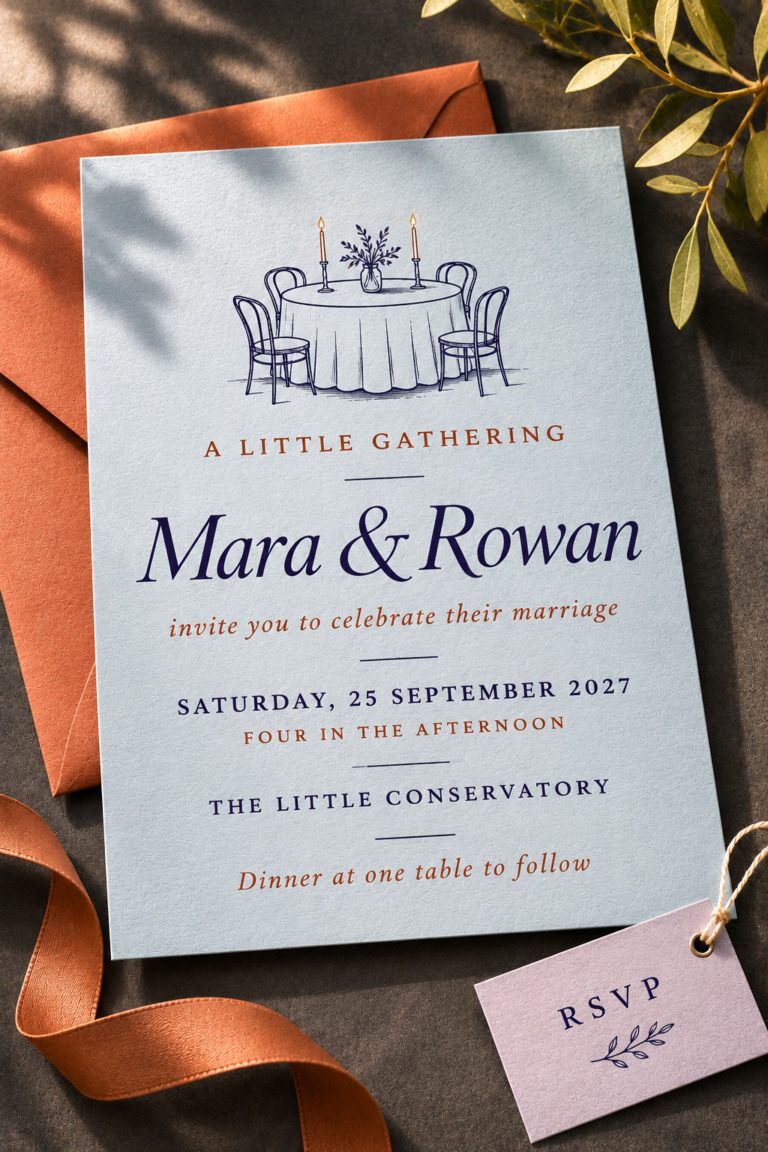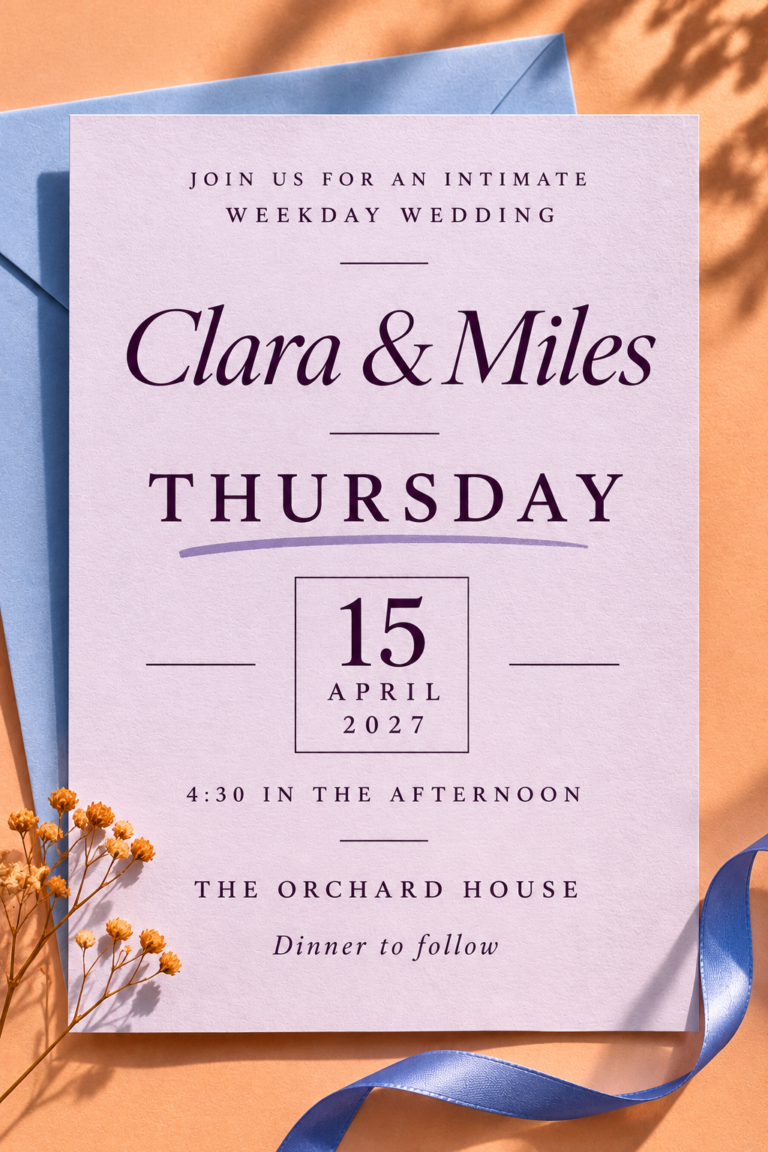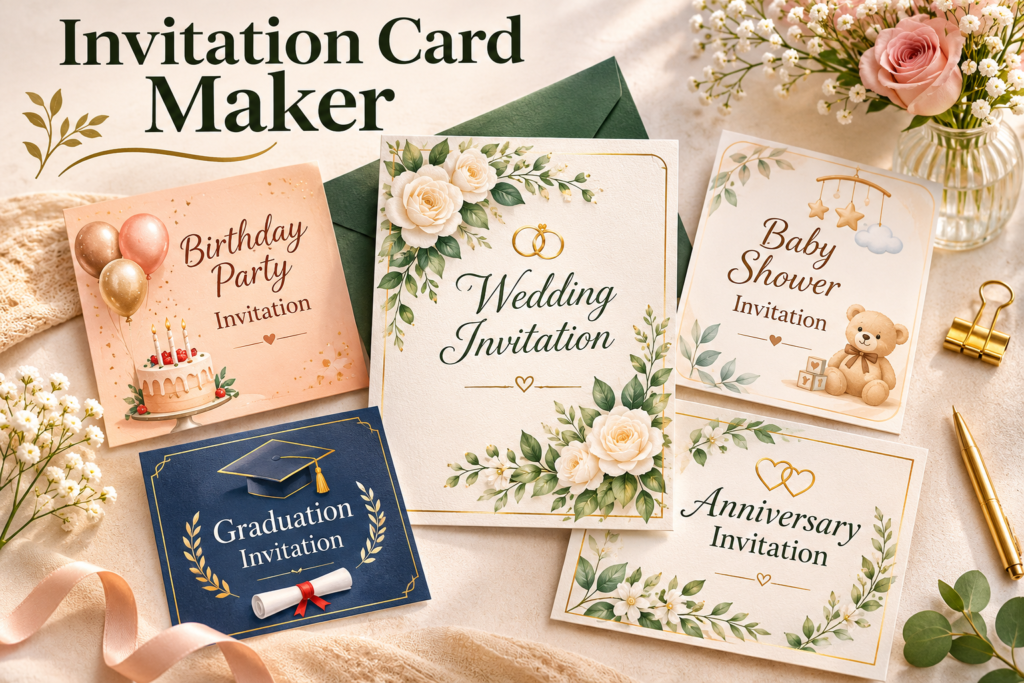
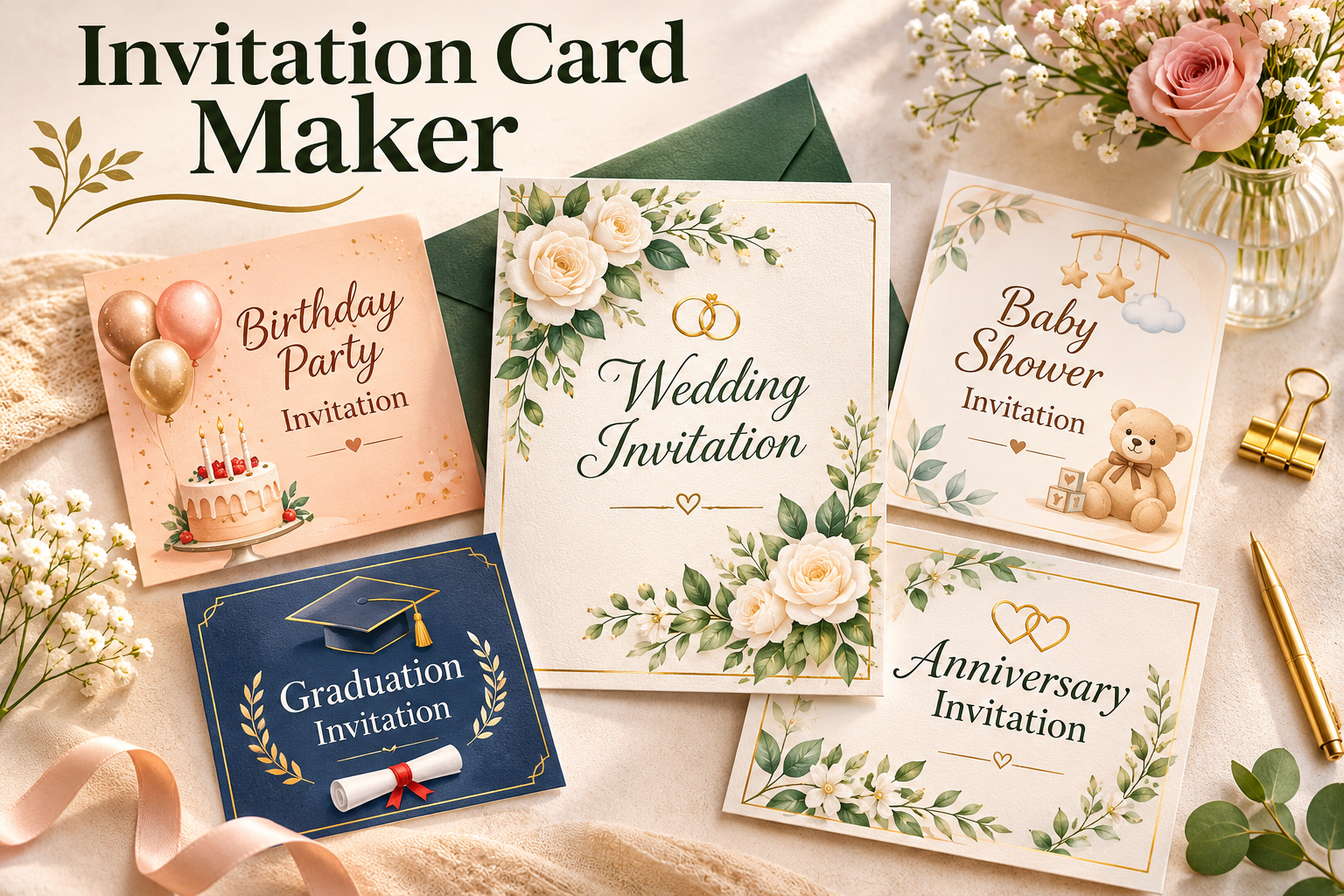
An invitation card maker makes designing invitations easier, whether you are planning a wedding, birthday party, baby shower, anniversary, or special celebration. Instead of starting from a blank page, you can use attractive invitation card templates and personalise them with your event details.
Creating an invitation does not require professional graphic design experience. With the right online design tool, you can explore different layouts, colours, fonts, and decorative elements to create a card that matches your celebration.
From elegant wedding invitations to colourful birthday cards, discover how to make personalised invitations that look beautiful and communicate important information clearly.
What Is an Invitation Card Maker?
An invitation card maker is a digital design tool used to create customised invitation cards for different occasions. Most online invitation makers offer editable templates that simplify the design process.
You can select a suitable design, change the wording, add event details, and adjust colours or images. Depending on the tool, completed invitations may be available as downloadable images, printable PDF files, or digital designs.
An online invitation card maker is useful for people who want professional-looking invitations without spending hours designing everything manually.
How to Make an Invitation Card Online
Creating your own invitation can be a straightforward process. Follow these steps to develop an attractive and personalised card.
Step 1: Choose Your Invitation Type
Start by selecting the occasion. You might need a wedding invitation, birthday party card, baby shower invitation, graduation announcement, or anniversary invitation.
Each event requires a slightly different design and message.
Step 2: Select an Invitation Card Template
Browse editable invitation card templates and choose a layout that matches your theme.
For formal celebrations, consider minimalist designs with elegant typography. For birthday parties, colourful illustrations and playful decorations may work better.
Step 3: Add Your Event Details
Include the host’s name, event date, starting time, venue, and RSVP information.
Use a clear message so guests immediately understand the purpose of your invitation.
Step 4: Personalise the Design
Adjust fonts, background colours, borders, and illustrations. You can also add personal photographs when the template supports image uploads.
Keep the overall design balanced and avoid overcrowding the card.
Step 5: Review Your Invitation
Check names, spelling, dates, venue addresses, and contact details carefully.
Preview the completed design on both desktop and mobile screens to ensure everything remains readable.
Step 6: Download or Share
Depending on your chosen card maker, export the invitation as a PDF, PNG, or JPG file.
You can print it or share a digital version through email, WhatsApp, or other messaging platforms.
Popular Invitation Card Designs for Every Occasion
Wedding Invitation Card Maker
Weddings deserve invitations that reflect the couple’s personality and celebration style.
A wedding invitation card maker can help you create romantic floral layouts, elegant gold designs, traditional invitations, or modern minimalist cards.
If you need inspiration for wedding messages, colours, and layouts, explore our wedding invitation ideas and wording guide.
It includes helpful ideas for creating memorable invitations that make your special day feel personal.
Birthday Invitation Card Maker
A birthday invitation card maker is ideal for designing invitations for children, teenagers, and adults.
Popular styles include balloons, cakes, colourful backgrounds, cartoon themes, and elegant milestone birthday designs.
Include the birthday person’s name, age when appropriate, party location, date, and RSVP details.
Baby Shower Invitation Maker
Baby shower invitation designs often feature pastel colours, teddy bears, clouds, floral patterns, and soft illustrations.
Choose a welcoming design and include the celebration date, venue, host information, and gift registry details if relevant.
Party and Event Invitation Cards
Online invitation templates are also useful for engagement parties, graduation ceremonies, family gatherings, corporate events, and anniversary celebrations.
Choose colours and imagery that match the event’s atmosphere while keeping essential information prominent.
Digital Invitation Cards vs Printable Invitations
An online invitation card maker can support different sharing formats, depending on the available export options.
Digital invitations are convenient because they can be shared quickly without printing or postage costs. They are particularly useful for guests who live abroad or prefer receiving event details on their phones.
Printable invitations offer a traditional experience and can become meaningful keepsakes.
For printing, choose a high-resolution design and confirm the correct dimensions with your printer. Common invitation sizes include A6 and 5 × 7 inches.
Both formats can look attractive when the design is carefully prepared.
Tips for Creating Professional Invitation Cards
A successful invitation combines creativity with clear communication.
Choose readable fonts: Decorative lettering can make headings attractive, but important details should use simple, readable typography.
Use matching colours: Select two or three complementary colours that reflect your event theme.
Keep the layout simple: Leave enough white space around names, dates, and venue information.
Add personal details: Custom illustrations, meaningful wording, or photographs can make invitations feel unique.
Check the final format: Preview digital cards on mobile devices and verify printing requirements before ordering physical copies.
These small improvements can help your invitation look polished and welcoming.
Can You Use a Free Invitation Card Maker?
Many design platforms provide free invitation templates, while others charge for premium graphics, advanced editing features, or certain download formats.
Before choosing a free invitation card maker, check whether the design includes paid elements and whether you can download the completed card without additional charges.
A simple free template may be enough for an elegant invitation when the wording, spacing, and colours are thoughtfully selected.
Frequently Asked Questions
1. How can I make an invitation card online?
Choose an online invitation card maker, select an editable template, add your event details, customise the design, and download or share the finished invitation.
2. Is there a free invitation card maker?
Yes. Some online design tools offer free invitation templates and basic editing features. Premium templates, images, or export options may require payment.
3. What is the best size for an invitation card?
A6 and 5 × 7 inches are popular sizes for printed invitations. Digital card dimensions depend on how you intend to share the design.
4. Can I create wedding invitation cards on my phone?
Yes. Many modern invitation design tools work through mobile browsers or dedicated applications. Choose a mobile-friendly template and check the text before sharing.
5. What information should an invitation card include?
An invitation should include the event name, host or celebrant’s name, date, time, venue, and RSVP instructions. You may also include a dress code or additional event information.
Create an Invitation That Makes Every Celebration Special
An invitation card maker helps turn your ideas into attractive, personalised invitations. Whether you prefer an elegant wedding design, a colourful birthday invitation, or a simple printable card, the right template can make the process easier.
Focus on meaningful wording, clear event details, and a design that reflects your celebration. With a little creativity, you can create an invitation your guests will appreciate.