Online Image Editor – Edit Your Pictures Easily
A Simple Way to Edit Images Online
Welcome to the Invitations Cards Online Image Editor.
Our editing tool is designed for people who want to make everyday changes to pictures without dealing with complicated professional software.
Whether you’re preparing an invitation, adjusting a favorite photograph, or experimenting with creative effects, our editor brings useful image-editing functions into one convenient workspace.
What Can You Do with Our Editor?
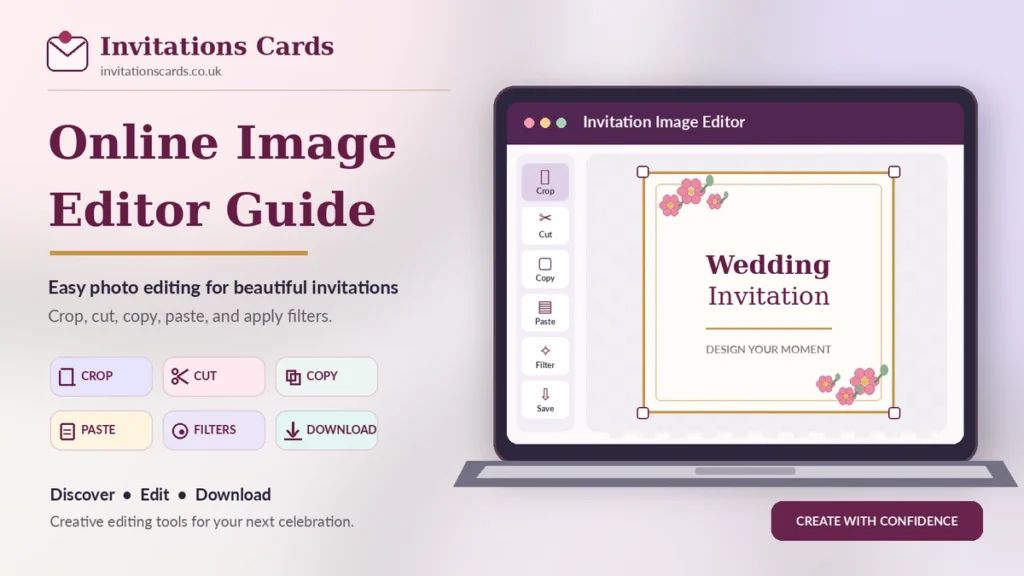
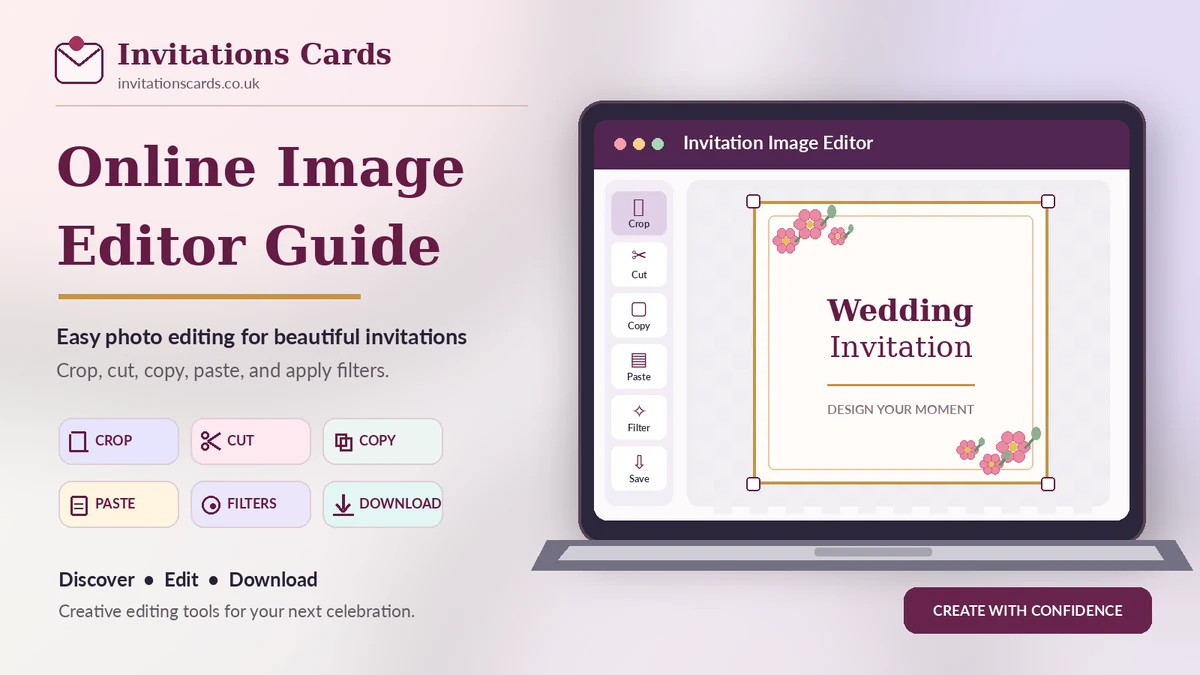
Crop Your Images
Cropping allows you to focus on the most important part of a picture.
Remove unwanted outer areas, improve the composition, or adjust the visible portion of an image.
This can be especially useful when preparing photographs for invitation cards and digital greetings.
Cut Image Content
Use the available cutting options to modify selected image content or remove unwanted portions.
The specific results depend on the editing functions supported by the tool.
Copy and Paste
Copying and pasting can help you work with selected image elements while editing a design.
This makes it easier to experiment with layouts and visual arrangements.
Apply Photo Filters
Filters are a simple way to change the appearance and mood of a photograph.
Experiment with the available filter effects to find a look that suits your design.
For example, different visual treatments can help create elegant wedding imagery or colorful celebration designs.
Download Your Edited Image
After completing your edits, use the available download or save option to export your finished result.
Check the image carefully before using it in a final invitation, printed card, or online design.
How to Use the Online Image Editor
Step 1: Open the Editor
Visit the image-editing tool available on Invitations Cards.
Step 2: Choose an Image
Select or upload the image you want to edit using the tool’s available options.
Step 3: Make Your Changes
Use the supported cropping, cutting, copying, pasting, or filtering controls to adjust your picture.
Step 4: Review Your Design
Check the image for unwanted changes and make additional adjustments if necessary.
Step 5: Download the Result
Use the editor’s download option to save your edited image.
Who Can Use Our Online Editor?
Our image editor is intended for people with different levels of experience, including beginners, students, invitation enthusiasts, and people who want to make simple edits to personal photographs.
You don’t need to be a professional graphic designer to benefit from basic editing tools.
Useful Editing Tips
- Keep a backup copy of your original image.
- Use clear, high-resolution images when possible.
- Avoid excessive filters if you want a natural appearance.
- Check image dimensions before printing.
- Review copyright and usage permissions before editing or sharing third-party images.
Use Images Responsibly
Only edit photographs and creative materials you own or have permission to use.
Avoid uploading confidential documents or sensitive photographs without understanding how the editor processes image data.
Please review our Privacy Policy and Image Download and Usage Policy for more information.
Need Help?
If an editing feature isn’t working or you have a suggestion, contact our team.
Email: ryannora459@gmail.com
Website: https://invitationscards.co.uk/
Invitations Cards — Make Every Image More Personal.