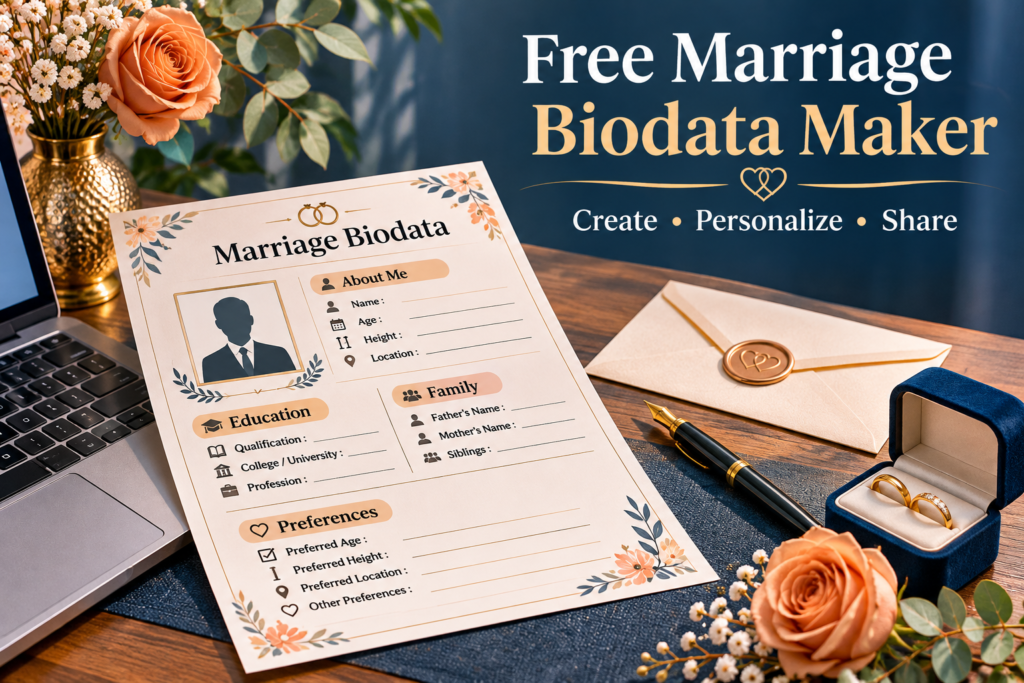
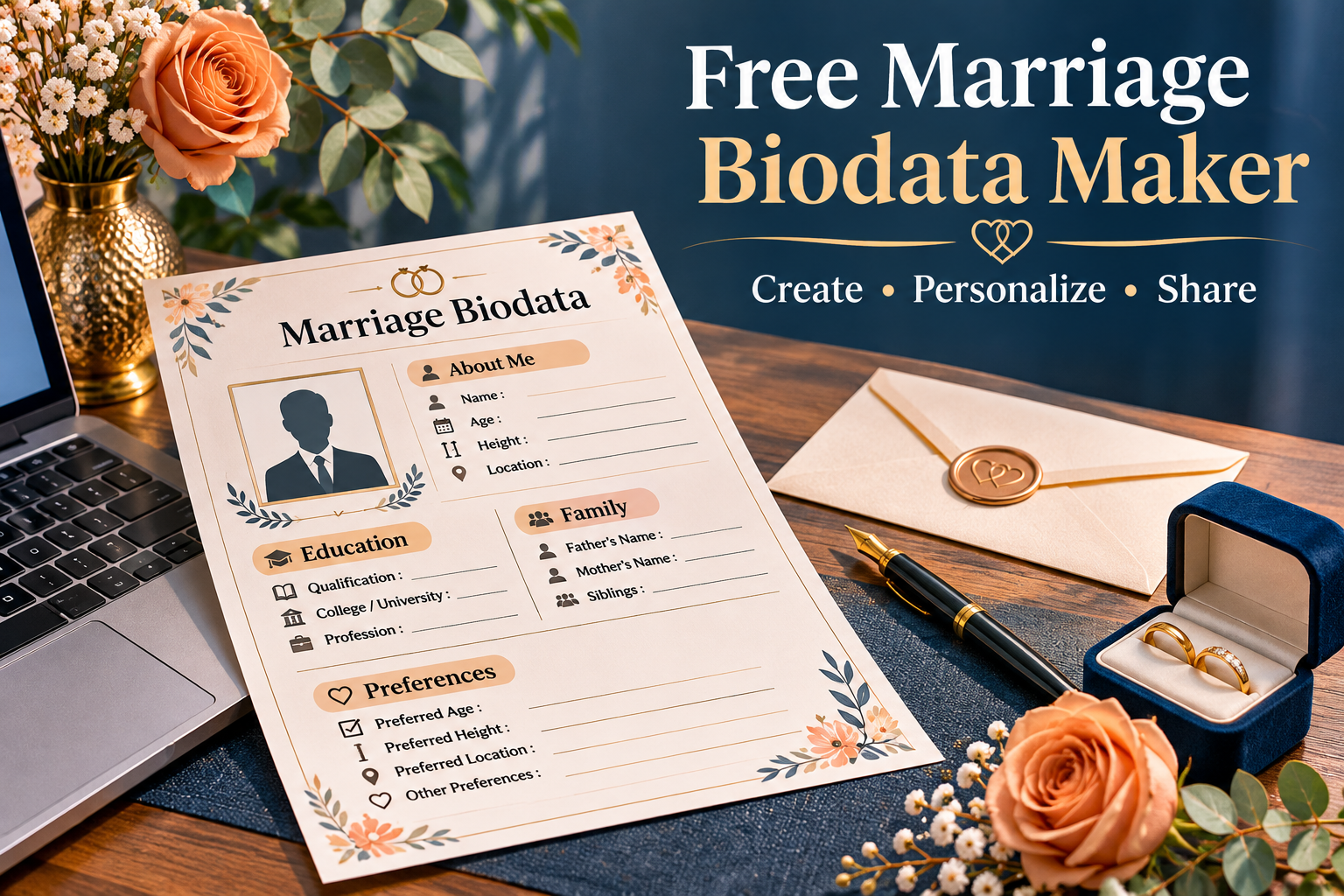
A marriage biodata is more than a list of facts. It is often the first introduction someone receives before a conversation, a family meeting, or a possible match. The best profiles help a reader understand the person behind the details without making the document feel formal or intimidating.
With this marriage biodata maker free tool, you can organise your information, add a photograph if you wish, see a preview, and use your browser’s Print option to save the finished profile as a PDF. You don’t need design experience to create something clean and personal. Start with the essentials, then make the wording your own.
How to Make a Marriage Biodata Online for Free
Making a biodata should feel more like introducing yourself than completing an application. Follow these five steps:
- Enter your basic details. Add your name, age or date of birth, city, education, and current occupation. Leave out anything you are uncomfortable sharing.
- Describe your everyday life. Write two or three sentences about your interests, routines, and what matters to you.
- Introduce your family briefly. A simple overview is enough for an initial introduction. You can share more during a private conversation.
- Add partner preferences thoughtfully. Mention values and hopes rather than creating a long list of requirements.
- Review and save. Check the preview, choose Print or Save as PDF, then open the saved document to make sure everything is readable.
If you are creating a marriage biodata with a photo, select a clear, recent picture you are happy to share. A photograph is optional, not a measure of how complete your profile is.
What Details Belong in a Marriage Biodata?
A useful biodata for marriage should answer the questions a new contact would reasonably ask at the beginning. Your name, general location, education, profession, and a short personal introduction usually provide a strong starting point.
Some people add height, languages spoken, family background, or cultural details. Others prefer a modern marriage biodata format that focuses more on lifestyle and personal values. Neither approach is automatically better. Choose information that reflects your circumstances and respects your comfort level.
Copy-Ready Marriage Biodata Sample
Use this simple marriage biodata template as a starting point. Replace every bracketed line with your own accurate information.
Name: [Your name]
Age: [Your age]
City/Country: [Your general location]
Education: [Your qualification]
Occupation: [Your profession or current pursuit]
Languages: [Languages you speak]
About Me: [Two sentences that show your personality]
Family: [A brief introduction, if you want to include it]
Partner Preferences: [Values and qualities that matter to you]
Contact: [A safe contact method]
This is intentionally an editable framework rather than a completed fictional life story. The finished profile will be more meaningful when it sounds like you.
Make Your Biodata Sound Like a Person, Not a Form
Short details can make a matrimonial biodata memorable. “Enjoys reading” tells a reader something; “I usually have a book on the go and love exchanging recommendations” opens the door to a conversation.
Try the one ordinary-day detail approach. Add one specific, truthful line about a hobby, a weekend habit, or something you are learning. Keep it simple: “I enjoy cooking for friends and taking long walks after work.” You do not need grand claims to create a warm introduction.
A good marriage profile also avoids describing a future partner as a checklist. “I hope for a relationship built on kindness and honest communication” says more than a series of rigid demands.
Choose a Design That Matches Your Style
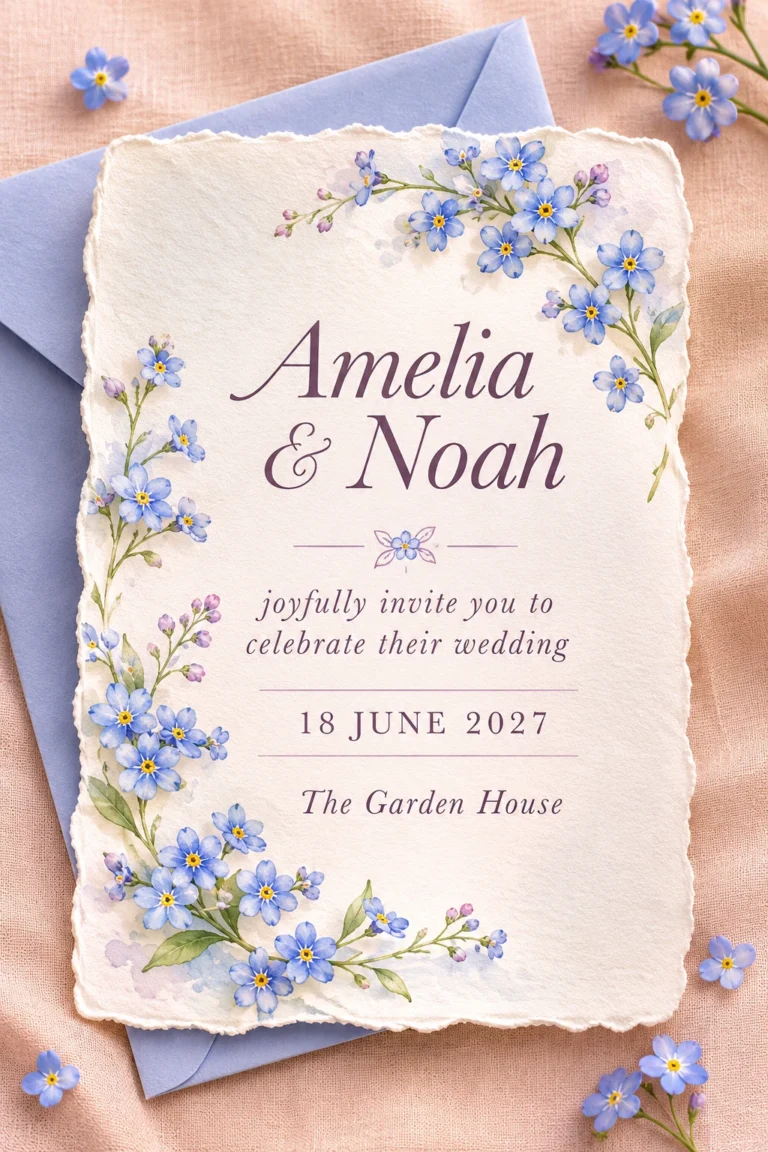
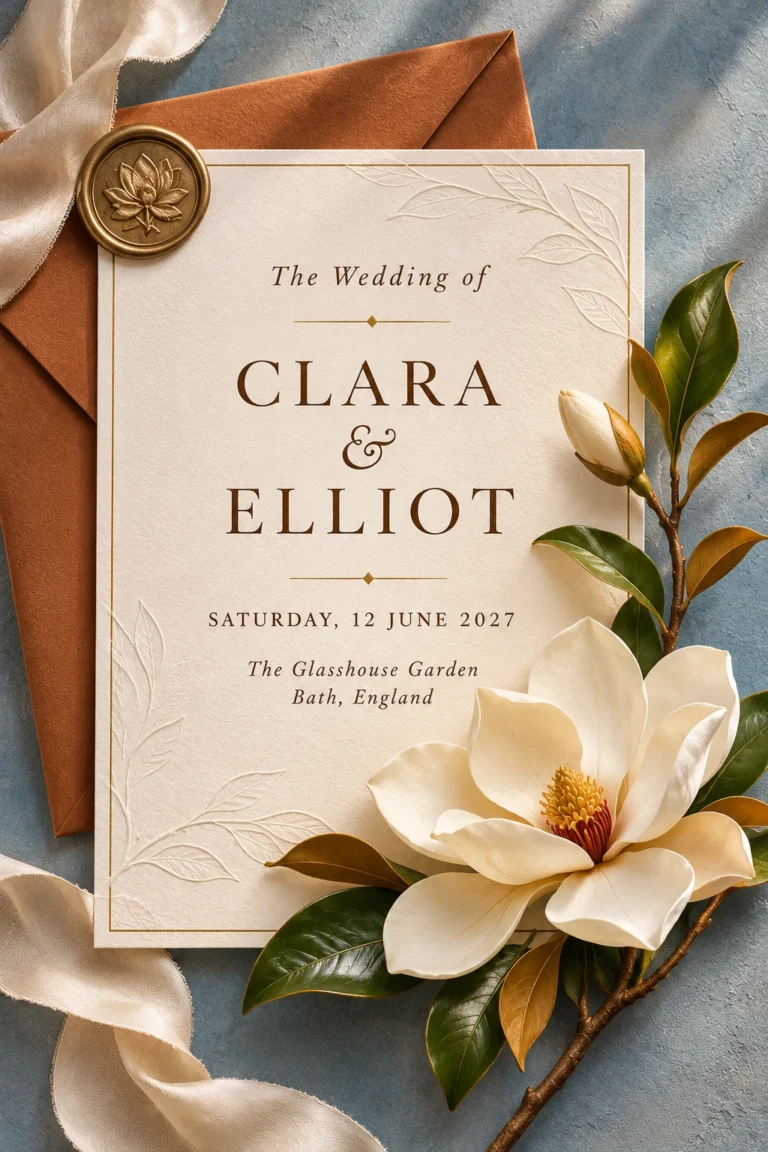
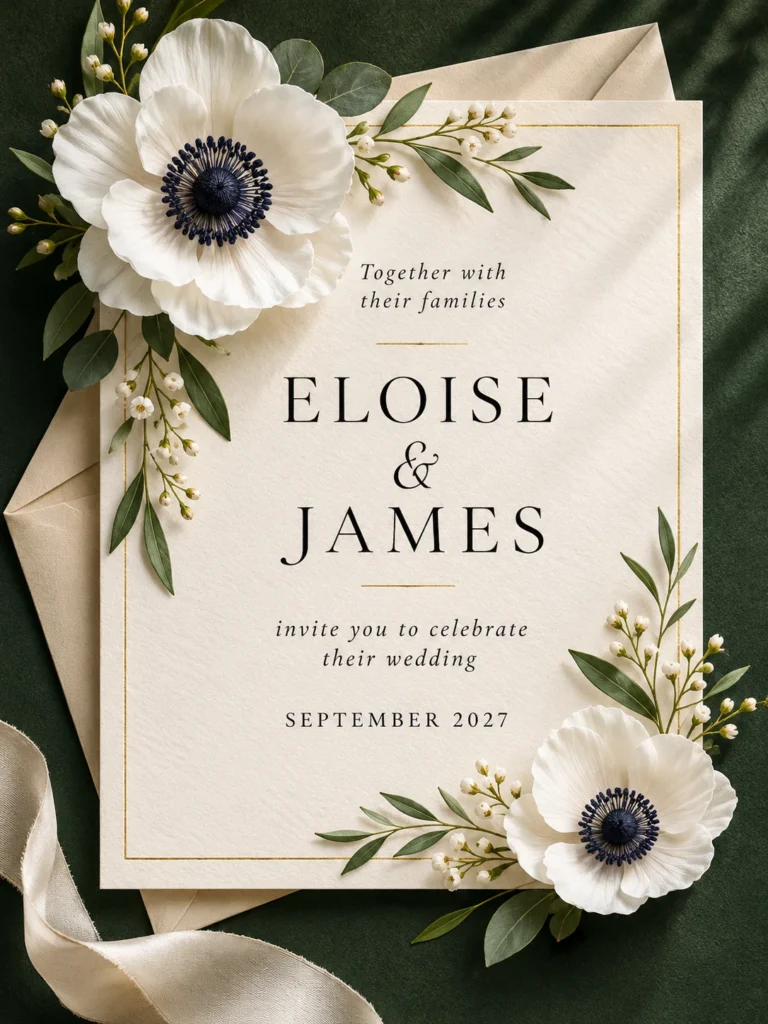
A free marriage biodata maker is most useful when the design supports the words. A minimal layout with generous spacing suits someone who prefers a modern style. A subtle floral border or warm traditional colours may suit a family-oriented presentation. Both can look polished.
Keep your name prominent, use readable type, and avoid squeezing too many facts onto a single page. If you want a printable marriage biodata PDF, A4 is a convenient format. Open your finished document on a mobile phone too; a beautiful desktop preview is not helpful if relatives cannot read it on a smaller screen.
Biodata for Bride, Groom, or Any Marriage Introduction
There is no universal set of fields for a bride or groom biodata. A person can choose what to include based on their family traditions, cultural background, and preferences. For example, some families value horoscope information, while others do not use it at all.
Save and Share Your Marriage Biodata as a PDF
Once your profile looks right, select Print / Save as PDF in the maker. In the print dialog, choose Save as PDF instead of a printer. Give the file a simple name, such as marriage-biodata-firstname.pdf, and check the saved version before sending it.
If you prefer to start from an editable document rather than filling in an online form, see our marriage biodata format PDF guide for a ready-to-edit template and further examples.
For sharing by email or WhatsApp, a straightforward PDF is generally easier to read than a long screenshot. Send it to intended recipients rather than posting personal information publicly.
A Simple Privacy Rule Before You Share
Think of your biodata as an introduction, not a complete personal record. You usually do not need to reveal your full home address, identity numbers, salary documents, or other sensitive information in an initial profile.
One helpful idea is to use a contact checkpoint: include a family contact or separate email address for the first exchange, then share more private details only when both sides are comfortable. If someone else is forwarding your profile, agree on where it may be sent.
Frequently Asked Questions
Is this marriage biodata maker free to use?
Yes. The maker on this page lets you enter information, preview a profile, and use the browser’s print feature without a paid account. The Save as PDF option is provided by your browser.
Can I make a marriage biodata on my phone?
Yes. Open the page in a modern mobile browser, complete the fields, and review the preview. PDF saving options vary slightly between phones and browsers, so check the print or share menu.
Can I create a marriage biodata without a photo?
Absolutely. A photo is optional. Clear writing and accurate details are more useful than adding an image you would rather keep private.
What is the difference between a marriage biodata and a résumé?
A résumé focuses on professional experience and employment. A marriage biodata introduces a person more broadly, including personal interests, family context if desired, and hopes for a relationship.
Final Thought
The best marriage biodata is one you can read aloud without feeling that it describes a stranger. Keep the layout calm, the details truthful, and the language natural. A free online marriage biodata creator helps with formatting; your personality is what makes the introduction worth reading.